OJS Guide for Reviewer

1. Login as a Reviewer using your account username and password.

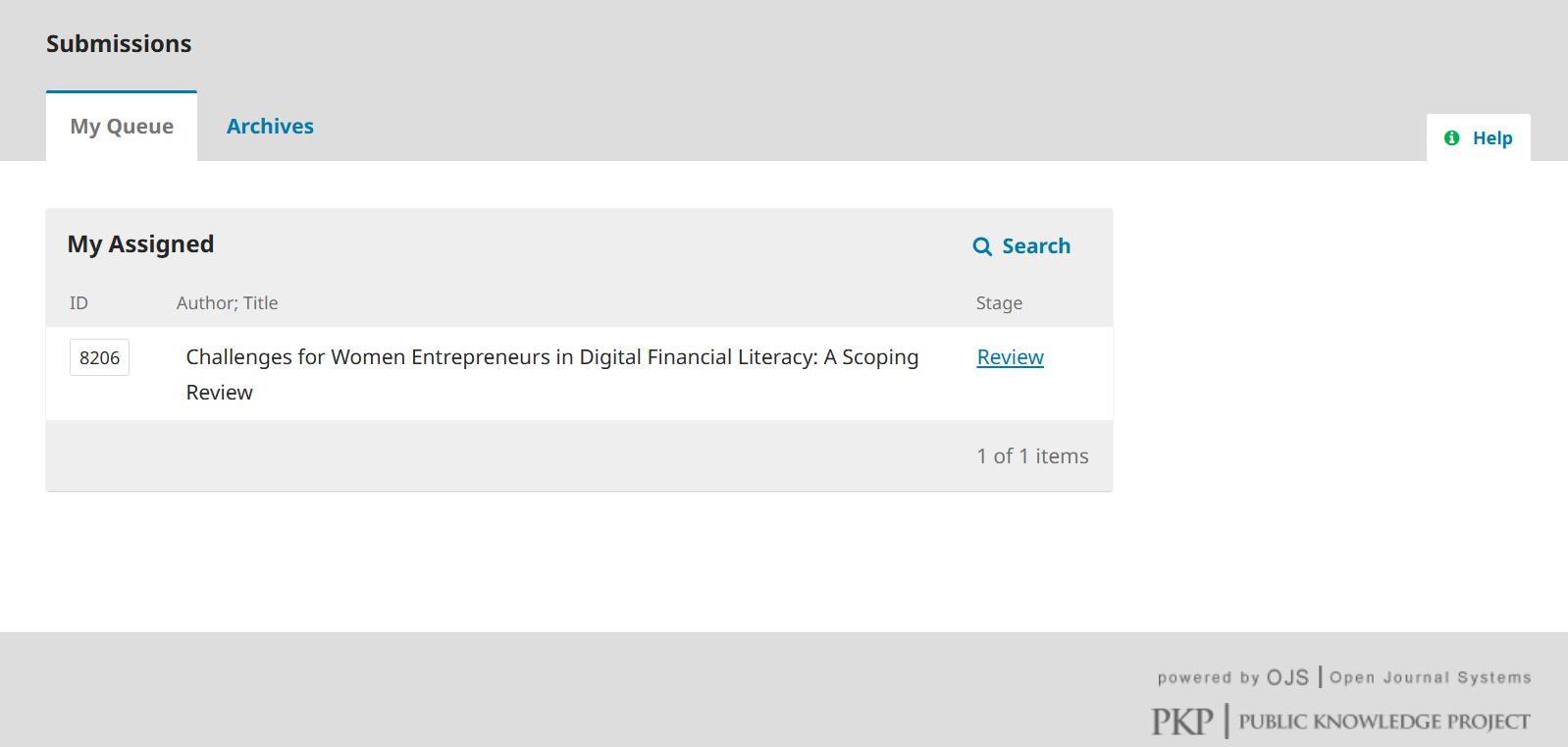
2. The Reviewer page display is as shown in Figure 1.

Figure 1. Reviewer page view

3. If a reviewer is assigned to review an article, the title of the article will appear in the “My Assigned” section.

4. Click “Review” in the Stage section, and you will be taken to the article rating page.

5. In this assessment process, there are 4 stages that must be passed, namely "Request", "Guidelines", "Download and Review", and "Completion".

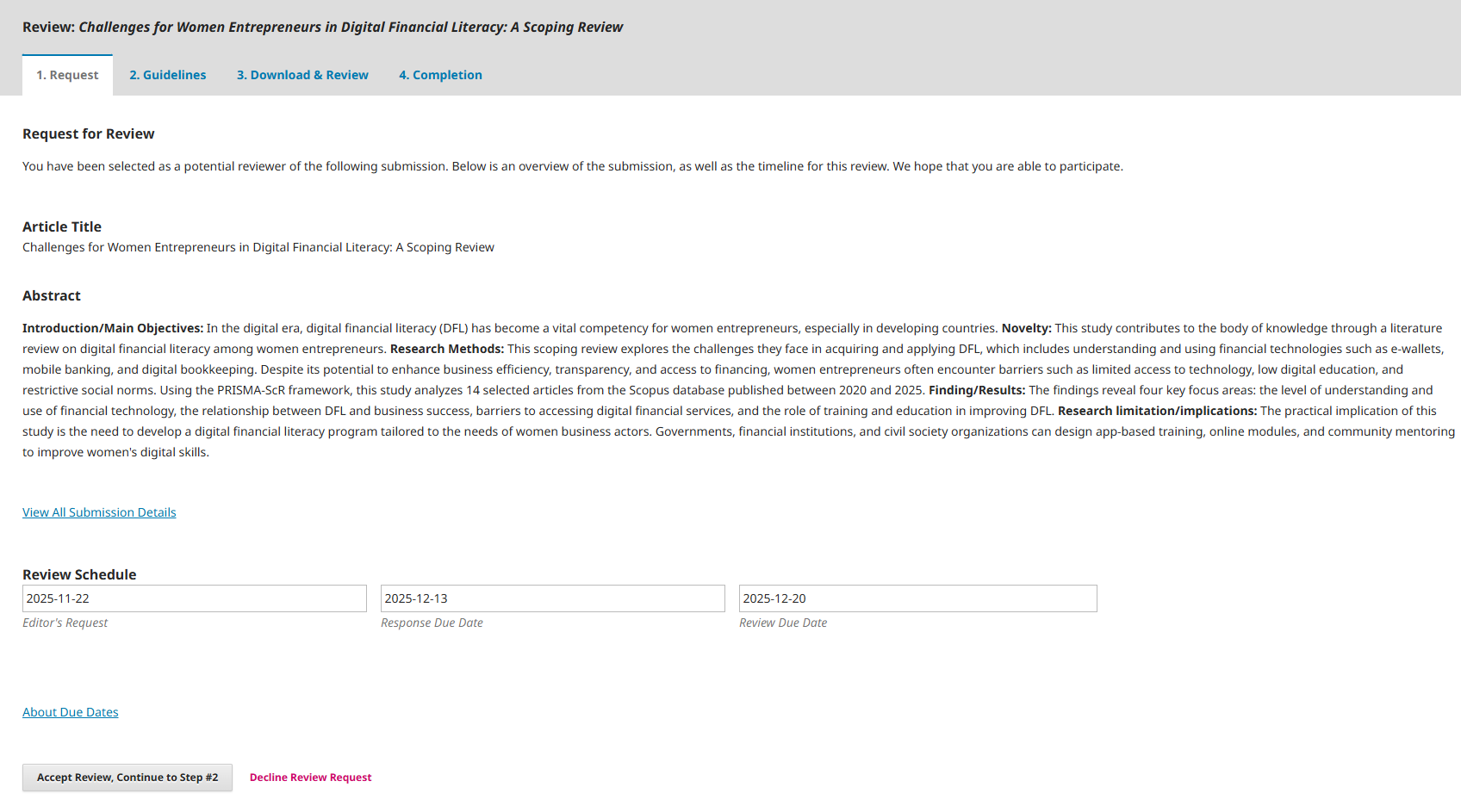
6. At the “Request” stage, you are asked to make a decision whether to review the article or not, within the time limit determined by the Editor as shown in Figure 2.


Figure 2. Request stage

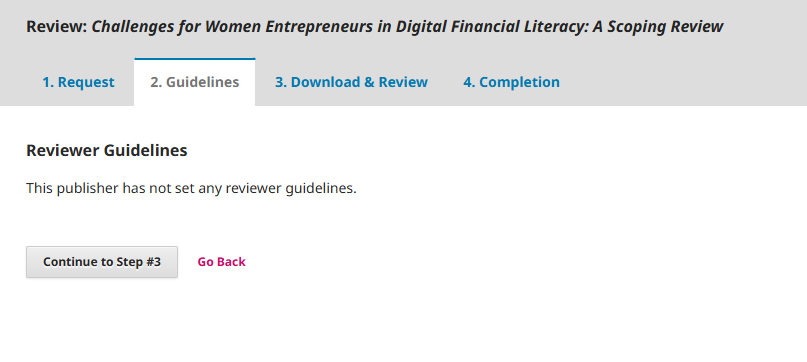
7. After you agree to the review, you will be taken to the next stage, "Guidelines." At this stage, you are simply asked to read and understand the guidelines for reviewing an article, as shown in Figure 3.

Figure 3. Reviewer Guidelines stage display

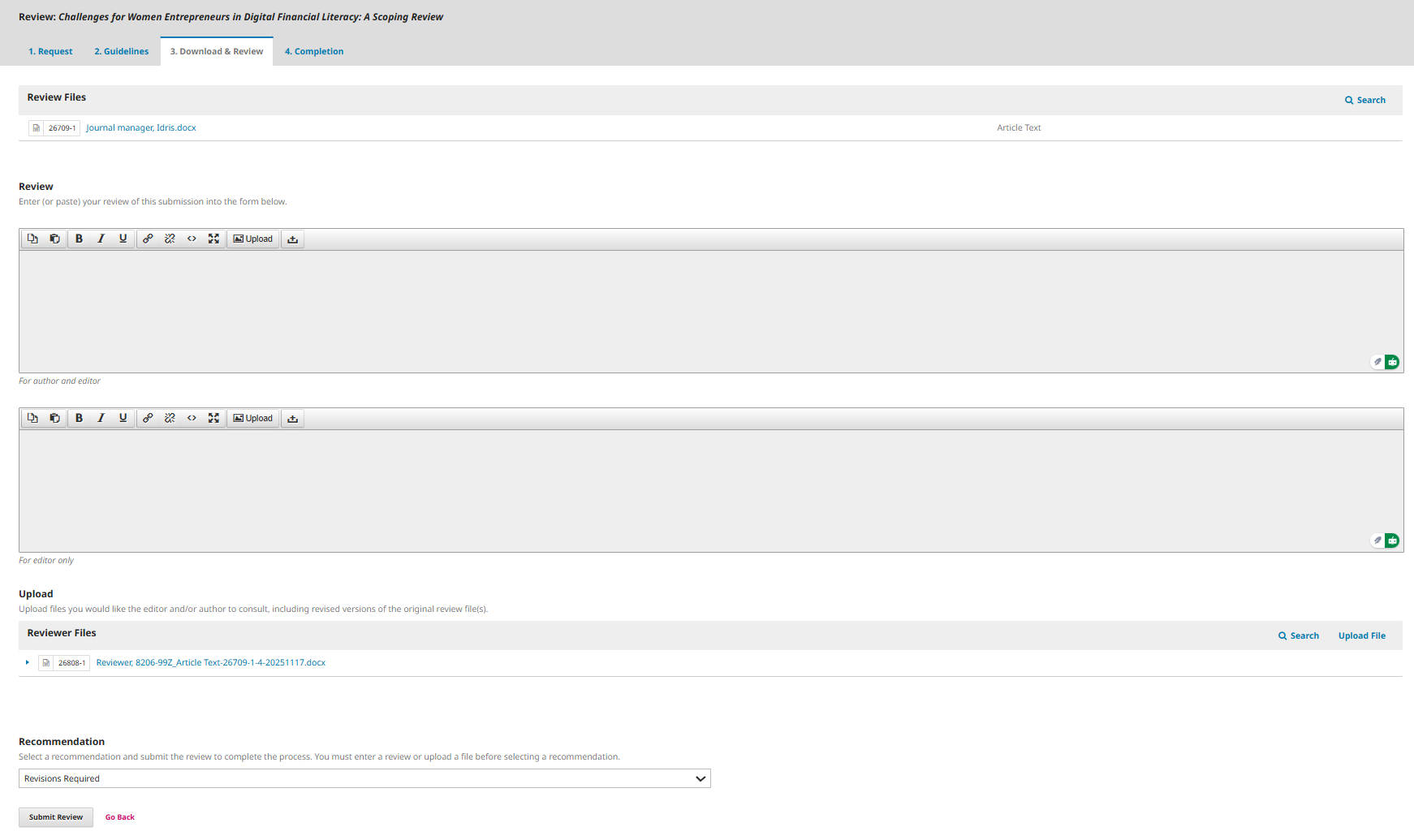
8. After going through the “Guidelines” stage, you will enter the “Download & Review” stage as shown in Figure 4.

9. What you have to do is:

a. Download the article file to be reviewed in the “Review Files” section.

b. Rate the article in terms of Relevance, Contribution, Article Language, Abstract.

c. Provide suggestions and input for article improvement. d. Upload the revised file (if any).

e. Provide recommendations to the editor regarding the results of the article's assessment.

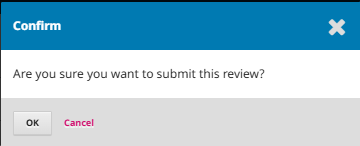
f. Finally, click “Submit Review”.

Figure 4. Display of the download & review process

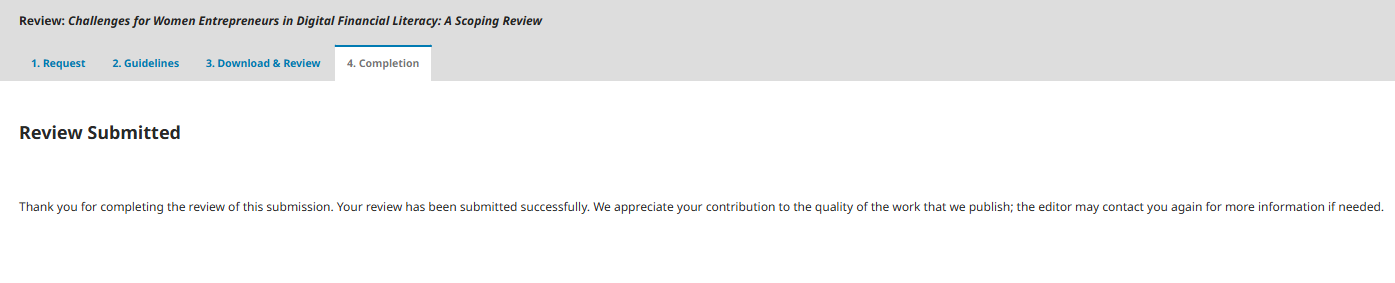
10. After completing the assessment, go to the “Completion” stage which contains a thank you for reviewing the article.


Figure 5. Completion stage